
Expense Management & Claims
Chasing receipts and reformatting expense sheets wastes hours every month. Bulk-upload everything and get a clean, categorised report: done.
Instructions:Analyze my Stripe SaaS business. What's my MRR, average revenue per customer, refund rate, and Stripe fee impact?
5. Diversify the Customer Revenue Base
Summary Scorecard
This memo was prepared based on Stripe API data extracted on 19 March 2026. All figures are in Malaysian Ringgit (MYR).
What you get
Everything built in, nothing left to figure out
Days
of manual work
60 seconds
with SuperCFO
The problem
Challenges SuperCFO solves for Finance Teams
Manual receipt entry
Inconsistent categorisation
Slow vendor comparison
How SuperCFO Works
From messy data to confident decisions
Handle every financial task, from simple reports to complex financial models. Connect your data, select a tool, and get results ready to share.
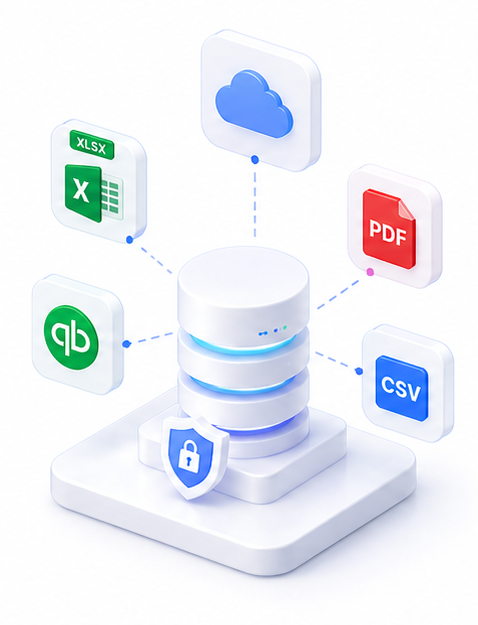
Connect your data
Link your accounting software, bring in your financial files, or set a schedule to run automatically. SuperCFO reads and structures the numbers — no manual data entry.
- Sync Xero, QuickBooks, or your ERP
- Import spreadsheets, PDFs, and bank statements
- Live, secure, and always current
Run via

Select a ready-made financial tool
Choose from 8 built-in tools: dashboards, reports, data transforms, casting checks, and more. Every output is structured and ready to use — no prompting or technical setup required.
- Dashboards, board packs, and financial reports
- DCF, variance, and scenario models
- No prompting expertise required
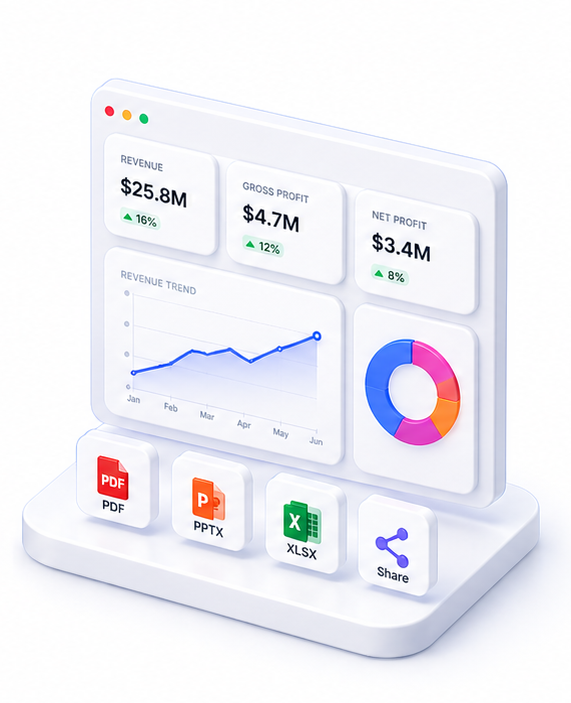
Get outputs ready to share
Review your complete financial output and get it to the people who need it. Refine anything with a follow-up question, then export or share.
- Board-ready outputs in under 60 seconds
- Export as PDF, Excel, PPTX, or HTML
- Share with your team instantly
Tools
SuperCFO tools for this use case
Everything you need, in one platform.
Why SuperCFO
Built for how finance teams actually work
Manual expense processing is one of the most repetitive tasks in finance: and one of the easiest to get wrong. Missing receipts, inconsistent categories, currencies not recorded.
Upload a batch of receipts: photos, PDFs, or scans: and SuperCFO extracts the date, merchant, category, amount, and currency from each one. You get a formatted Excel expense report and every receipt renamed to match its row in the file.
No typing. No chasing staff for missing info. Ready to submit in minutes.
Frequently asked questions

One platform. Every finance use case.
Automate. Analyze. Act. All in one intelligent platform.